Stop navigating. Start building.
Launch Claude, Codex, or any CLI in the right project, without ever navigating from your terminal.
brew install --cask projump/projump/projump For macOS, via Homebrew. Open source (MIT).
A menu-bar app, not another dotfile.
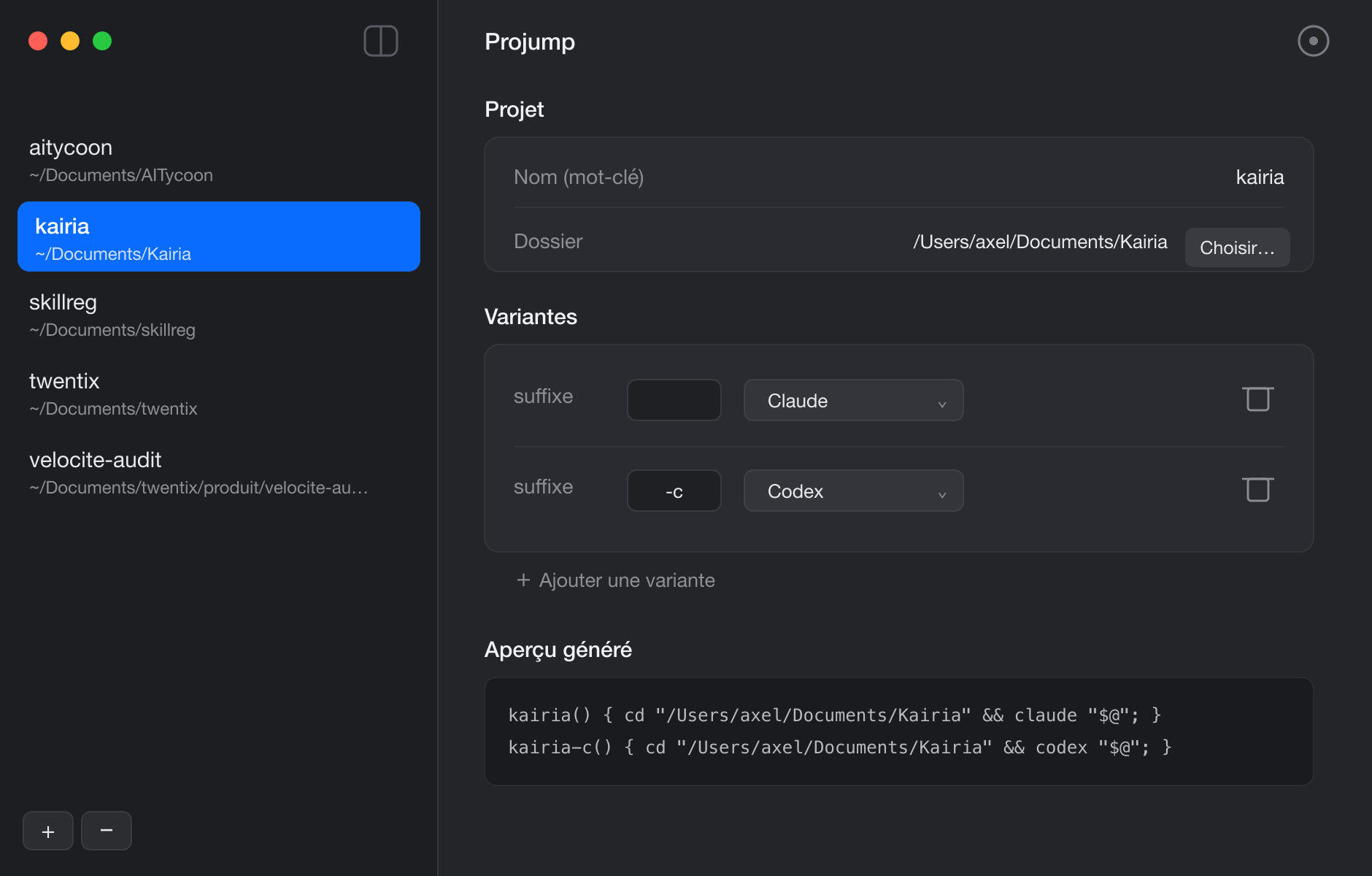
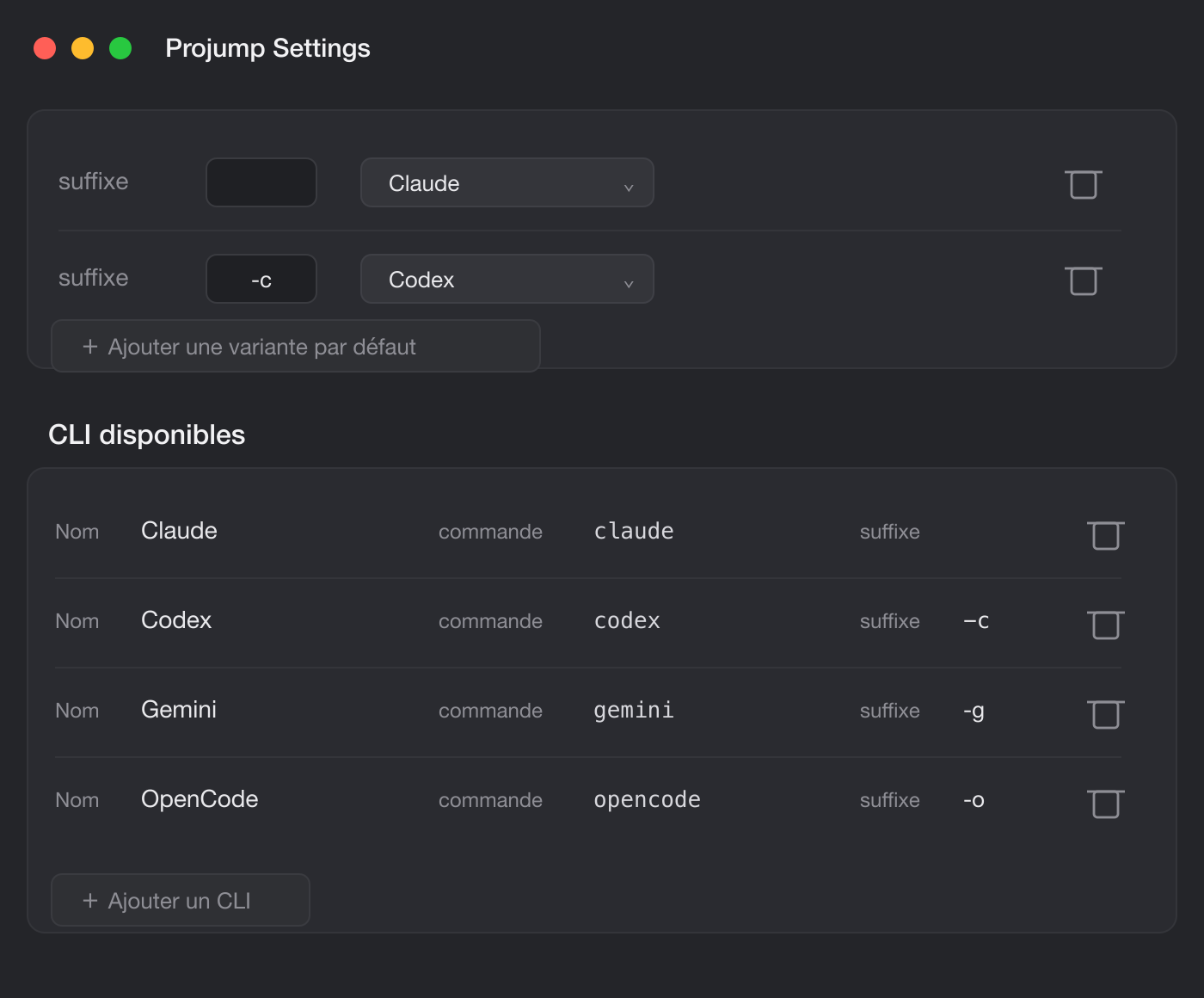
Less navigating. More building.
- 01
Zero navigation
Type a keyword, land in the project with your tool already running. No more cd, ls, tab-tab-tab.
- 02
Any CLI
Claude, Codex, aider, your own scripts: Projump launches whatever tool you want, right where it belongs.
- 03
Finds your projects
Point it at a folder. Projump discovers your projects by their CLAUDE.md or AGENTS.md.
- 04
No dotfile surgery
A native menu-bar app writes the shell functions for you. Give each project a keyword, or several for different tools.
Works with the tools you already use.
- Claude Code
- Codex
- Gemini CLI
- OpenCode
And any other command on your PATH.
Projump for you. SkillReg for your team.
Projump gets one developer into the right project, fast. When a whole team works with AI coding agents, the next question is managing the skills they share. That is SkillReg.